Creating a home workspace that feels both cozy and productive is key to maintaining focus and motivation throughout your workday. Whether you work remotely full-time or just need a spot for occasional tasks, designing an environment that supports comfort and efficiency can boost your performance and overall well-being. In this guide, we’ll explore practical tips to help you set up a home office that works for you.
Why a Cozy and Productive Workspace Matters
Your workspace influences your mindset and ability to concentrate. A cluttered or uncomfortable area can lead to distractions, fatigue, and decreased productivity. Conversely, a well-thought-out workspace that feels welcoming can make work more enjoyable and help you maintain consistent focus.
Striking a balance between coziness and professionalism ensures you remain comfortable without losing the motivation to work effectively.
Choosing the Right Location
Quiet and Away from Distractions
Select a spot in your home where noise and interruptions are minimal. If possible, avoid high-traffic areas like the kitchen or living room. A quiet corner, spare bedroom, or a nook with a door can help you concentrate better.
Natural Light is a Big Plus
Positioning your workspace near a window allows sunlight to fill the area. Natural light improves mood and alertness. Try to avoid glare on your screen by placing your desk at an angle to windows rather than facing them directly.
Furniture: Comfort Meets Functionality
Invest in an Ergonomic Chair
Your chair is one of the most important elements. Choose one that offers good lumbar support and is adjustable so you can maintain a healthy posture. Sitting comfortably can reduce fatigue and prevent aches.
Choose the Right Desk Size
Your desk should provide enough surface area for your computer, notebooks, and other essentials without feeling cramped. If possible, opt for a desk with storage options to keep your workspace tidy.
Consider Standing Desk Options
Alternating between sitting and standing can promote better circulation and reduce stiffness. Standing desk converters or adjustable desks are worth exploring if space and budget allow.
Organizing Your Space for Productivity
Declutter Regularly
A clean workspace helps clear your mind and keeps distractions at bay. Use trays, organizers, and shelves to store supplies and paperwork neatly.
Use Cable Management Solutions
Tangled cords not only look messy but can cause frustration. Use clips, sleeves, or even simple ties to keep cables organized and out of sight.
Keep Necessary Items Within Reach
Arrange frequently used items—pens, notebooks, or reference materials—close to where you work to avoid unnecessary movement or interruptions.
Personalize Your Workspace
Bring in Your Favorite Décor
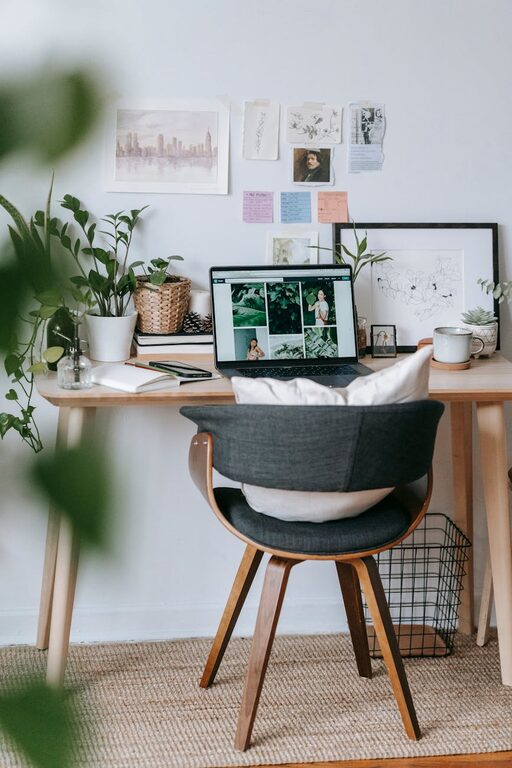
Adding personal touches like artwork, plants, or photos can make your workspace inviting and reflect your personality. A cozy workspace feels less sterile and more inspiring.
Add Plants
Plants improve air quality and add a calming, natural element. Low-maintenance options like succulents or snake plants can thrive indoors with minimal care.
Soft Textiles and Lighting
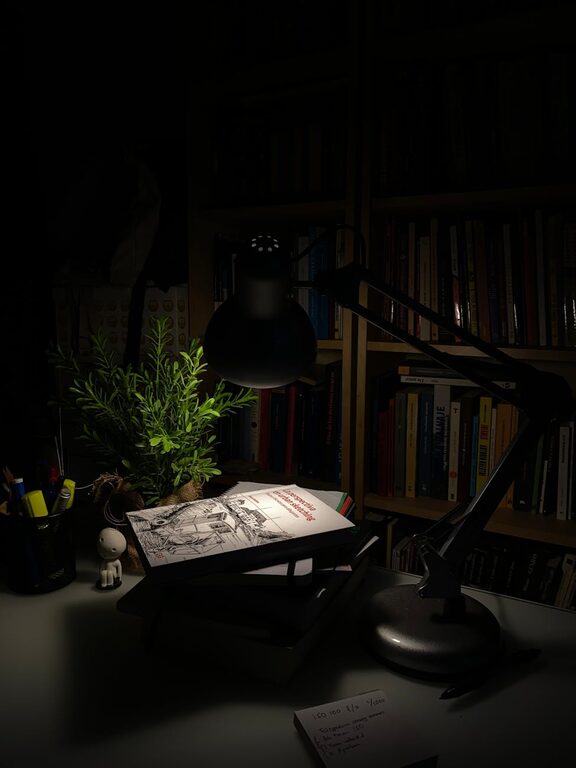
A soft rug underfoot or a cozy throw blanket can increase comfort. Also, consider warm lighting options such as desk lamps with adjustable brightness to create a soothing atmosphere during late work hours.
Limit Digital Distractions
Use Noise-Canceling Headphones
If background noise is an issue, noise-canceling headphones or earbuds can help you maintain focus, especially during conference calls or deep work sessions.
Turn Off Non-Essential Notifications
Minimize interruptions by silencing social media or other notifications during work hours. Schedule specific times to check emails or messages.
Create a Routine and Set Boundaries
Establish Clear Work Hours
Treat your home workspace like a traditional office by setting start and finish times. This structure helps separate work from personal life.
Take Regular Breaks
Frequent breaks improve productivity and reduce eye strain. Try the Pomodoro Technique (25 minutes work + 5 minutes break) or brief stretching exercises.
Communicate Boundaries to Family or Housemates
Let people in your home know your work hours and the importance of minimizing interruptions during those times.
Keep Improving Your Setup
Assess and Adjust
Regularly review what works and what doesn’t in your workspace. Simple tweaks like changing chair height, reorganizing supplies, or updating lighting can significantly impact comfort and efficiency.
Stay Inspired
Follow blogs, social media accounts, or communities focused on home offices or productivity for fresh ideas and motivation.
—
By investing some time and effort into creating a home workspace that is cozy yet functional, you can enhance your comfort, focus, and overall work satisfaction. Remember that your workspace should evolve with your needs, making it a welcoming place where you want to spend your time. Happy workspace designing!